

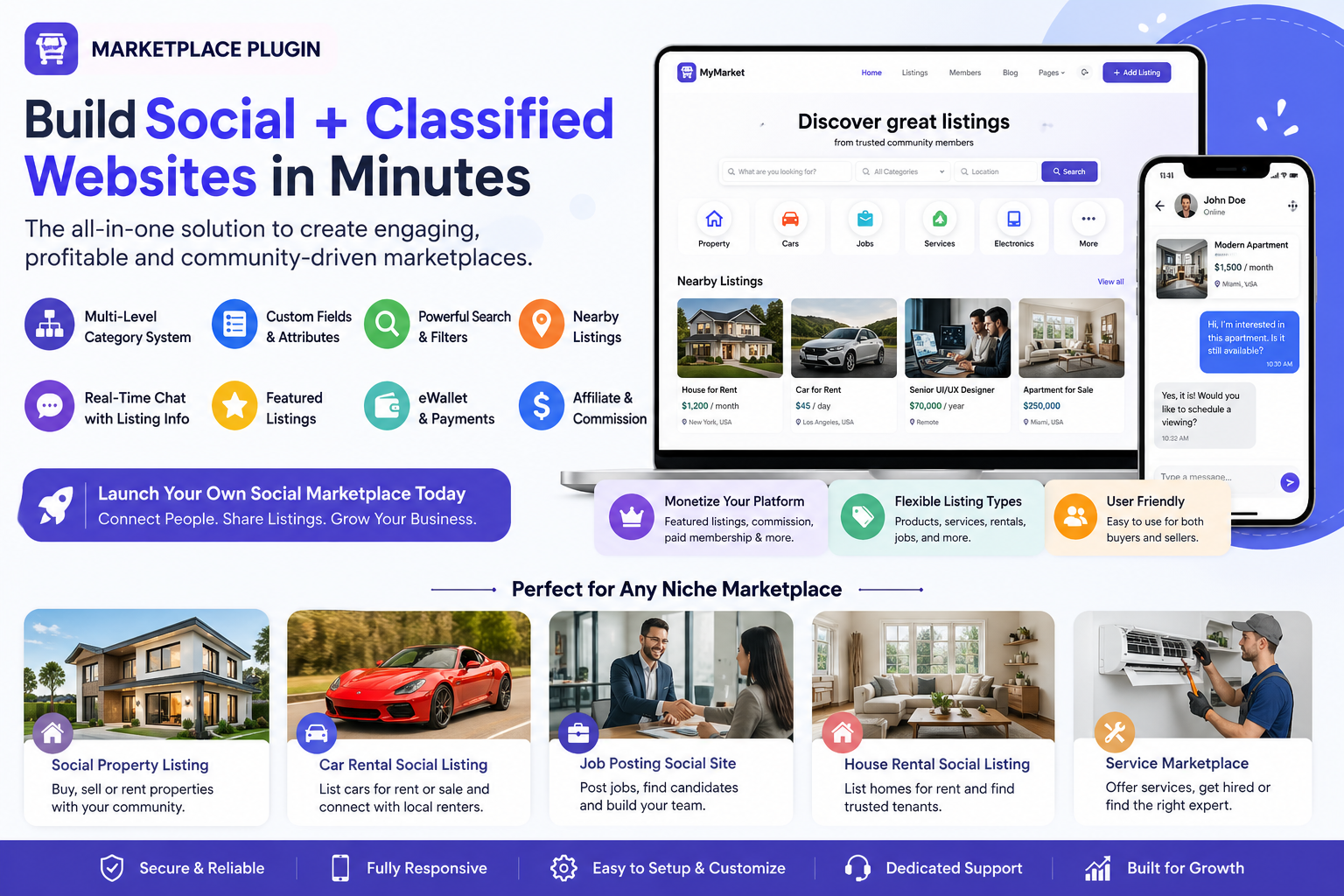
Short answer: A social marketplace is a community feed plus structured listings. The build decision comes first: if listings are the product, start with a listings engine; if the community is the product, add listings to a community platform. Everything else, including taxonomy, search, chat, trust, and payments, follows that choice.
Social Marketplace in 2026: Why the Build Decision Comes First
A social marketplace combines two systems that behave differently. The community layer creates identity, conversation, and return visits. The listings layer creates inventory, search, and transactions. Most classifieds software with social media integration treats the feed as a bolt-on, which is why so many marketplace websites feel like a directory with comments.
Think of the difference as a town square with a noticeboard. The square creates the crowd; the noticeboard creates the trades. If you build the noticeboard first, you need traffic. If you build the square first, you need inventory. The order you choose determines your first bottleneck.
This guide is for founders and agencies building a community marketplace platform. You will choose a model, define the listing schema, compare platform options, calculate a 12-month cost, and launch with enough supply to survive the empty-room problem.
Prerequisites: What You Need Before You Build
You do not need a finished product to start. You need decisions and seed supply.
- One clear audience: a town, a profession, a hobby, or a membership base. A marketplace for everyone has no reason to exist.
- Supply plan: the first 50 to 100 listings, and the people who will post them.
- Listing schema: the categories, listing types, and required fields.
- Moderation owner: a named person or team, not a policy PDF.
- Payment path: a processor, payout method, refund rules, and tax position.
- Budget: licence or subscription, hosting, add-ons, payment fees, and moderation time.
Time estimate: one week for taxonomy and policy, two to four weeks for platform setup, and another two to four weeks to seed supply. Custom work adds time; hosted plans reduce setup time but not the supply problem.
Listings Engine vs Community-First Platform
A listings engine is software whose core object is the listing. A community-first platform is software whose core object is the member, profile, post, or group. The table below shows why the choice changes almost every downstream decision.
| Dimension | Listings engine | Community-first platform |
|---|---|---|
| Core object | Listing with price, category, location, and status. | Member, profile, post, group, and conversation. |
| Moderation model | Listing approval, fraud checks, duplicate detection, and transaction disputes. | Member and content moderation, spam control, reporting, and community rules. |
| Discovery | Search, filters, map, category browse, and saved alerts. | Feed, follows, groups, recommendations, and social proof. |
| Chat | Buyer-to-seller thread tied to one listing. | Member DMs, group chat, comments, and broadcast messages. |
| Trust signals | Seller ratings, verification badges, ID checks, and transaction history. | Profile reputation, verification badges, activity history, and group standing. |
| Monetisation | Listing fees, commissions, featured placements, and seller subscriptions. | Memberships, paid content, subscriptions, ads, and creator payouts. |
| Native apps | Vendor-dependent; often a paid add-on or a progressive web app (PWA). | Vendor-dependent; native apps can be a paid add-on, as with ShaunSocial’s $559 package. |
| Time to launch | Fastest with a hosted engine; custom builds take longer. | Fastest with a self-hosted script; custom community builds take longer. |
Choose the listings engine when the transaction is the reason people return. Choose the community-first platform when conversation, identity, and membership are the reason people return. Most failed social marketplaces pick the wrong core and then try to bolt on the missing half.
A listings engine with a weak feed gets no repeat visits. A community platform with weak listing search gets no transactions.
A marketplace plugin can add listings to a community platform, but only if it supports your listing types, search, and moderation needs. Check the plugin’s schema and search behaviour before you commit.
What the Listing Model Needs
Once you choose the model, define the listing schema. The schema is the contract between supply, search, and trust. Think of it as a filing cabinet. Every drawer needs a label, and every label needs a rule for what belongs inside.
1. Multi-level Categories
Use two to three levels, not six. A useful example is Home > Furniture > Sofas, where each level narrows intent without forcing the seller to guess. Deeper trees feel organised but bury supply and make search filters harder to maintain.
2. Listing Types With Their Own Fields
A product, service, rental, job, and event do not share the same fields. Give each type its own form: condition and dimensions for products, availability and rate for services, dates and deposit for rentals. Shared fields should be limited to title, description, location, price, photos, and contact rules.
3. Faceted Search
Faceted search lets buyers narrow results by attributes such as price, condition, distance, and category. Index the fields people actually filter on, and keep the filter set short enough to scan on mobile. A search page with 20 filters is a data-entry form, not a discovery tool.
4. Location and Radius Discovery
Classifieds are often local, so store a real location and support radius search. Use a map for browsing, but keep a list view for speed and accessibility. Let sellers hide an exact address and show only a neighbourhood or postcode district.
5. Listing-Context Chat
Chat should start from the listing and keep the listing attached to the thread. That context reduces scams, makes moderation easier, and gives both sides a record. Add reporting, block lists, and attachment limits before you add rich media.
6. Saved Searches and Alerts
Buyers who save a search are signalling intent. Send alerts by email or push, with a frequency cap and a clear unsubscribe path. Saved searches also tell you which categories lack supply, which is more useful than raw page views.
7. Trust and Verification
Trust is a stack, not a badge. Combine reviews after completed transactions, verification badges, ID checks where risk is high, and visible response times. Never rely on a single signal; pair badges with community moderation tools and a clear reporting path.
8. Payments and Escrow
Decide whether you facilitate payment or only introduce buyer and seller. If you take payment, handle processor fees, payouts, refunds, disputes, and tax records. Escrow, where a third party holds funds until both sides meet the terms, reduces buyer risk but adds operational work, so use it where transaction value justifies the cost.
Platform Options for a Social Marketplace
There are four practical routes in 2026: a self-hosted social platform with a listings add-on, a hosted marketplace platform, another hosted marketplace platform, or WordPress with a classifieds plugin. The right route depends on whether you want to own the code and the community graph.
| Platform | Model | Pricing model | Community features | Native apps | Code ownership |
|---|---|---|---|---|---|
| ShaunSocial with listings module | Self-hosted social network plus listings module | One-time licence: $149 web; $559 with native apps; $49/year updates after year one. Listings add-on price varies. | Feed, profiles, groups, real-time chat, verification, eWallet, subscriptions, ads | Native iOS and Android in $559 package; not in $149 web licence | Full PHP source code; white-label |
| Sharetribe | Hosted marketplace platform | Subscription published on their pricing page | Check current plan | Check current plan | No, hosted |
| Arcadier | Hosted marketplace platform | Subscription published on their pricing page | Check current plan | Check current plan | No, hosted |
| WordPress + a classifieds plugin | Self-hosted CMS plus plugin stack | Plugin licences plus hosting; varies | Plugin-dependent; check current plan | Plugin-dependent; check current plan | Yes for WordPress core; plugin licences vary |
ShaunSocial is the only row here with public one-time prices. Its web platform is $149 one-time, and the package with native iOS and Android apps is $559 one-time. Updates are free for 12 months, then $49/year. ShaunSocial is a community platform, so listings are added through its addons marketplace or a custom module; scope the listing build with the vendor before you commit to a budget.
Hosted prices are published on their pricing pages and change. Plugin stacks vary by licence. Third-party costs in this table are market estimates, not quotes; only ShaunSocial’s own pricing is confirmed.
Both routes are priced on the ShaunSocial pricing page. If the community matters more than the listings, the white-label platform ranking and the enterprise platform comparison cover the community-first side of the same decision.
If native apps are part of the plan, compare what native community apps really cost to build and maintain before assuming a hosted plan includes them.
If you plan to build a marketplace website on WordPress, the plugin stack is the fastest route, but you inherit plugin compatibility and update work.
What It Costs Over 12 Months
The hosted route and the self-hosted route differ in when you pay, not just how much. Hosted platforms usually charge a subscription and may add transaction fees. Self-hosted platforms charge a licence, then hosting and updates, like buying a building and paying for utilities.
| Route | Upfront | Monthly | 12-month total |
|---|---|---|---|
| Hosted marketplace platform | $0 licence | Plan fee from the provider’s pricing page | (Monthly plan fee × 12) + transaction fees |
| ShaunSocial web, self-hosted | $149 one-time | $15 hosting | $149 + ($15 × 12) = $329 |
| ShaunSocial with native apps, self-hosted | $559 one-time | $15 hosting | $559 + ($15 × 12) = $739 |
| ShaunSocial year two, either licence | $0 | $15 hosting + $49 updates | $49 + ($15 × 12) = $229 |
The arithmetic assumes $15/month hosting, which sits inside the typical $10 to $20/month VPS range. Hosted marketplace platforms charge per transaction or per plan tier, so their 12-month total depends on volume and plan. Every route still pays payment processor fees; self-hosting removes the platform fee, not the card fee.
If your community charges members rather than sellers, model that separately. The one-time licence vs per-member pricing comparison shows why a recurring per-member fee can outgrow a licence as the community grows.
Launch Sequence: Taxonomy to First 100 Listings
A marketplace launch is a supply project, not a website project. Follow this sequence and do not open the doors until steps one to five are complete.
- Define the category taxonomy. Start with the categories buyers will browse, not the ones sellers find convenient. Test the tree with 20 real listings and remove any branch that cannot hold supply. Two to three levels is usually enough.
- Choose listing types and required fields. Give each type its own form and mark only five to seven fields as required. The rest can be optional, but the fields that power search must be structured, not buried in the description.
- Seed supply before demand. Post 30 to 50 listings yourself or with founding sellers before launch. Empty categories kill trust, and a dense category with real inventory is easier to moderate than a broad empty one.
- Recruit founding sellers and members. Pick sellers who already have inventory and a reason to answer messages. Pair that with community growth strategies so buyers have a reason to return after the first transaction.
- Write the moderation policy and workflow. Publish rules for prohibited items, duplicate listings, spam, harassment, and disputes. Name the person who reviews reports and set a response target before the first report arrives.
- Launch, measure, and reach the first 100 listings. Track zero-result searches, listing views, chat starts, and completed transactions. Push to 100 listings in one or two categories before expanding, because density beats breadth at launch.
Trust and Safety: The Part That Decides Whether the Marketplace Lasts
Trust is not a page in the footer. It is the visible set of rules, signals, and remedies that make a stranger willing to send money to another stranger.
Start with pre-listing checks: account verification, duplicate detection, prohibited-item filters, and rate limits. Add post-listing checks: report queues, chat monitoring, review moderation, and a dispute path. Publish response times, appeal rules, and a data retention policy so users know what happens next.
High-value categories need stronger signals: ID checks, escrow, seller badges, and transaction history. Low-value categories can rely on reviews, profile age, and community standing. The mistake is applying the same trust model to a sofa and a used car.
Self-hosted platforms also need patch discipline. Security updates are part of trust, especially when you hold user accounts, messages, and payment records. Assign an owner for updates and test them on a staging copy before production.
Common Mistakes to Avoid
- Building the feed and hoping listings appear. A feed without supply is a social network with nothing to buy. Seed listings first.
- Launching with empty categories. Remove categories with no inventory; a smaller dense marketplace beats a broad empty one.
- Over-engineering the taxonomy. Deep trees slow sellers and fragment search. Start with two or three levels.
- Treating moderation as an afterthought. Spam and fraud arrive early. Set rules and a review queue before launch.
- Assuming self-hosting means zero ongoing cost. Hosting, updates, payment fees, and moderation time remain. Budget for them.
Tips for Success
- Seed density, not breadth. Own one category before adding another.
- Instrument zero-result searches. They show missing supply more clearly than traffic reports.
- Keep the listing form short but structured. Ask for the fields that power search, not every detail.
- Make trust visible. Put verification, reviews, and response times where buyers decide.
- Choose mobile deliberately. Compare PWA vs native apps for community platforms before you promise an app store listing.