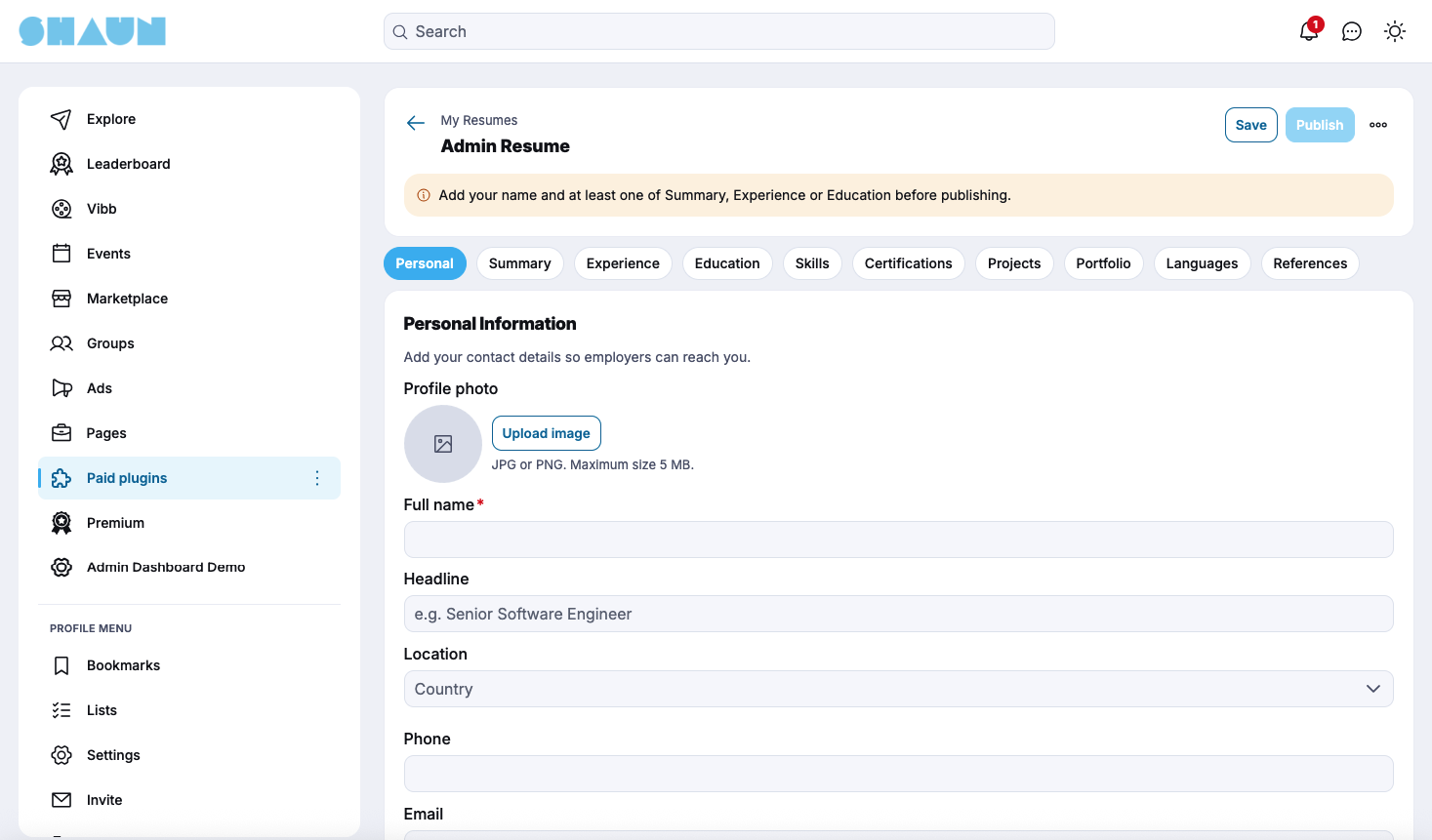


Help your members present their skills and experience professionally with the ShaunSocial Resume Plugin.
The Resume Plugin lets members build complete, well-structured resumes right inside your ShaunSocial community, share them with a public link, export them as PDF, and get discovered by employers through a searchable resume directory.
Whether you're running a professional networking community, a job board, an alumni network, or an industry-specific talent hub, this plugin gives your members a polished way to showcase who they are, and gives employers an easy way to find the right people.
Key Features
1. Resume Builder & Multiple Resumes
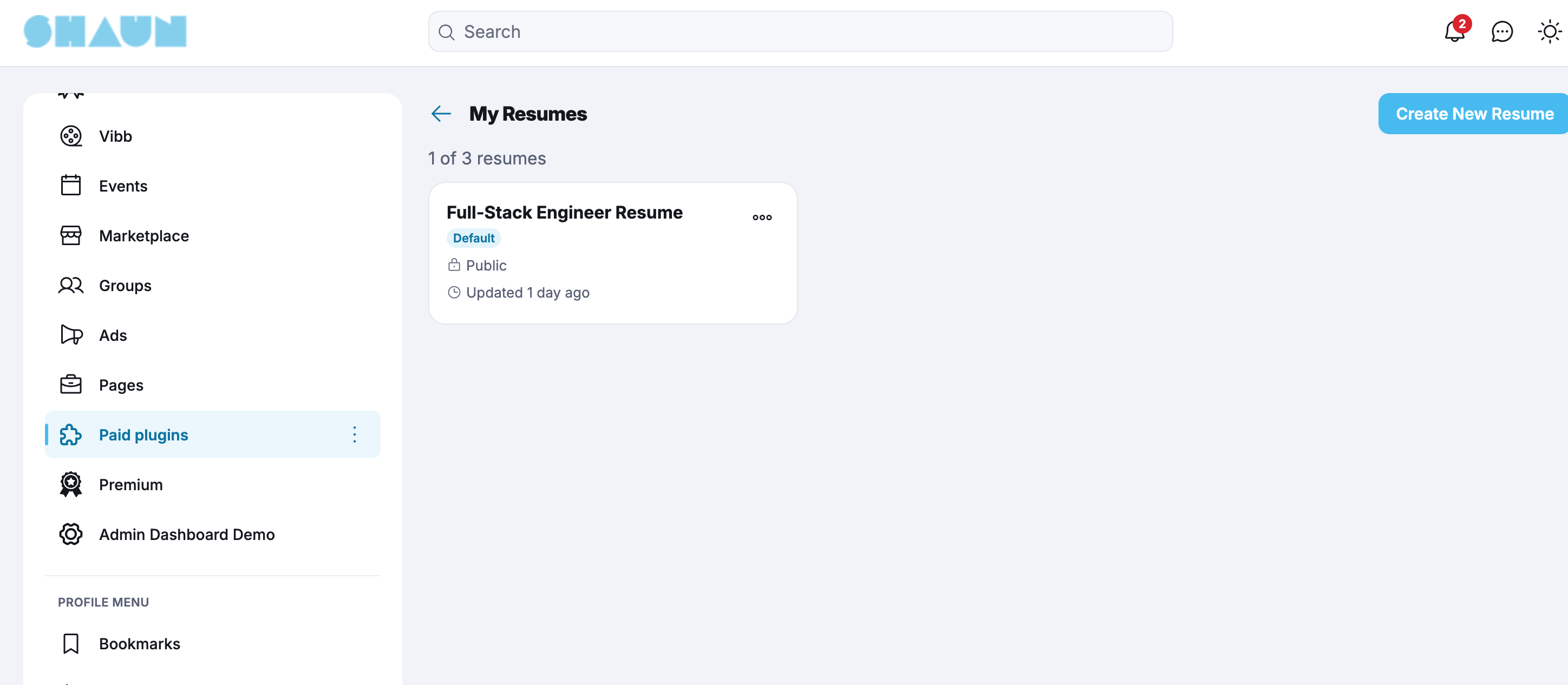
Members can create and manage professional resumes with a simple, guided builder.
- Create, edit, and manage multiple resumes, for example one per role or industry.
- Build each resume from ready-made sections:
- Personal information
- Summary
- Experience
- Education
- Skills
- Certifications
- Projects
- Portfolio
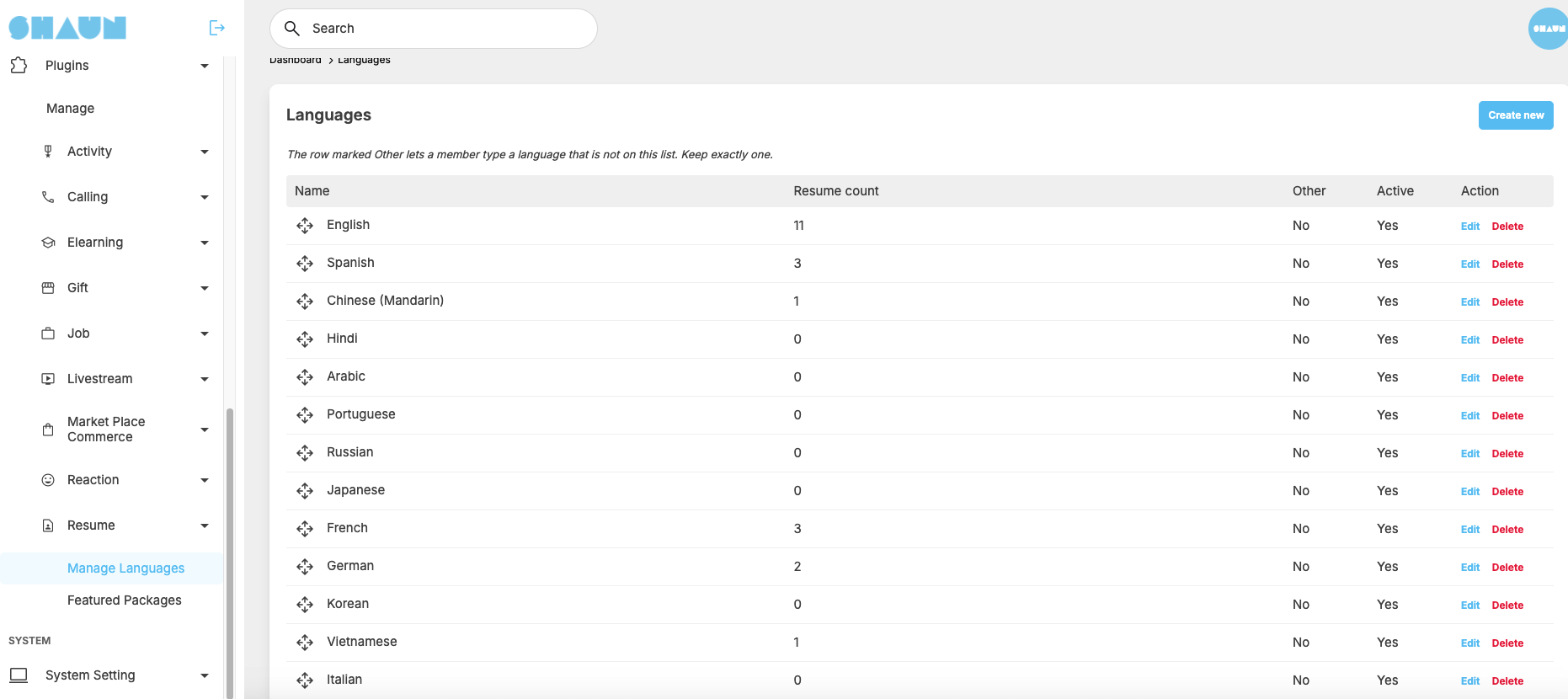
- Languages
- References
- Choose from resume templates provided by the site administrator.
2. AI Resume Builder (Optional)
Help members write a strong resume in minutes with built-in AI assistance. Administrators can enable or disable this feature.
- Build a resume from scratch with AI guidance.
- Import existing resume text and turn it into a structured resume.
- Improve the wording of any section.
- Generate a professional summary automatically.
- Generate a tailored cover letter.
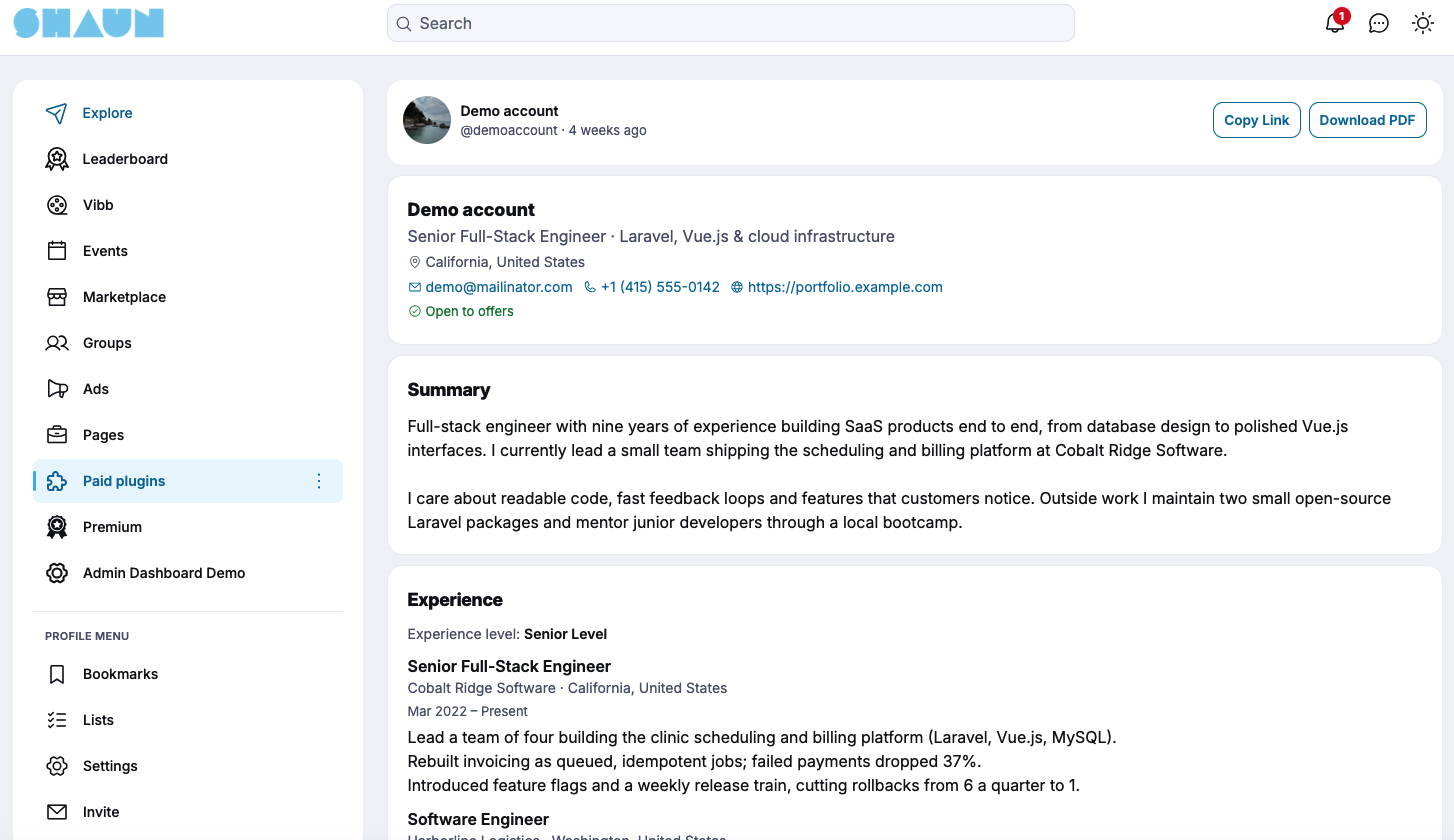
3. Public Resume URL & PDF Export
Make it easy for members to share their resume anywhere.
- Every resume can have its own public URL to share on other sites, in emails, or in applications.
- Export any resume as a professionally formatted PDF.
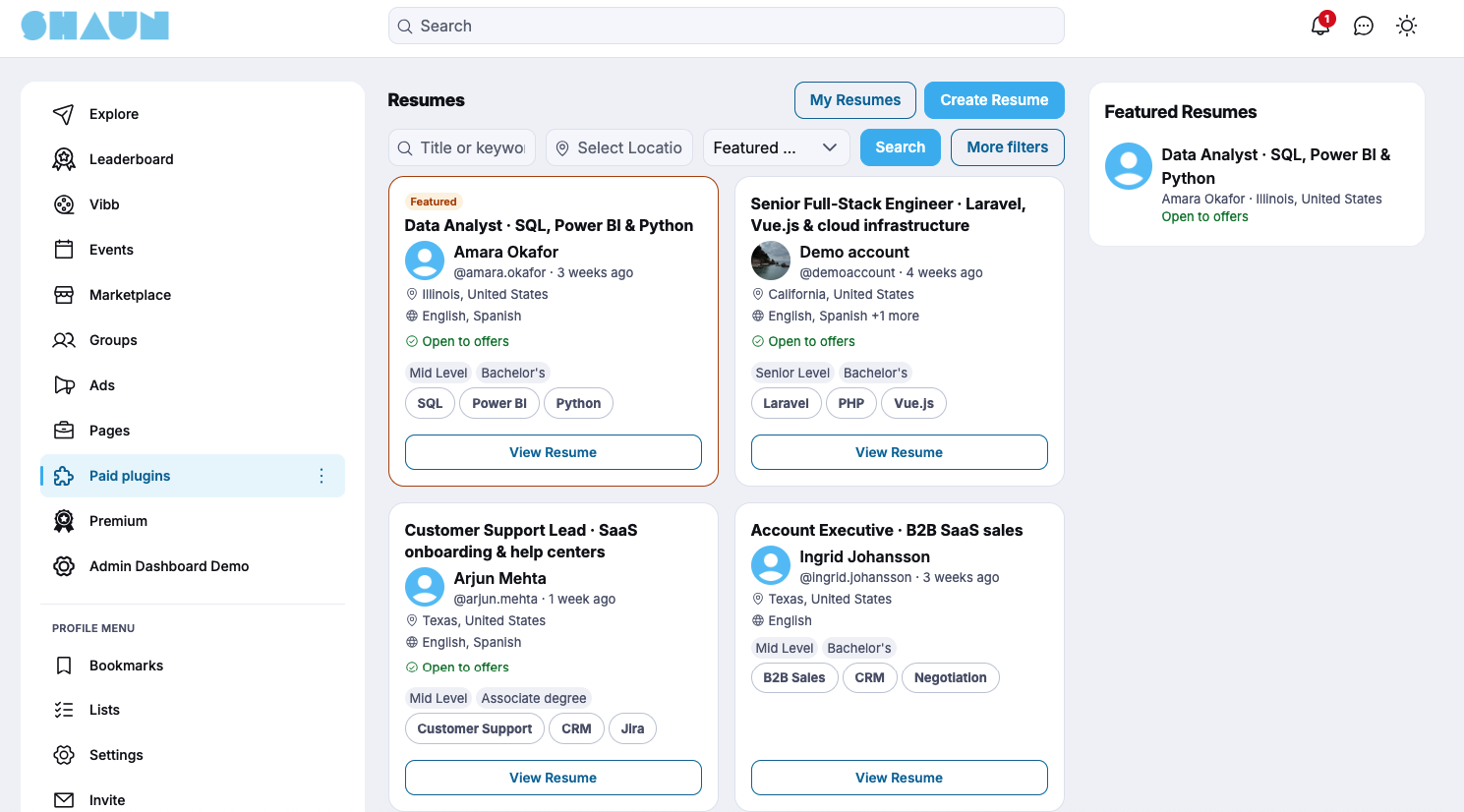
4. Resume Directory & Search
Help employers and recruiters find the right talent in your community.
- Browse a dedicated resume directory.
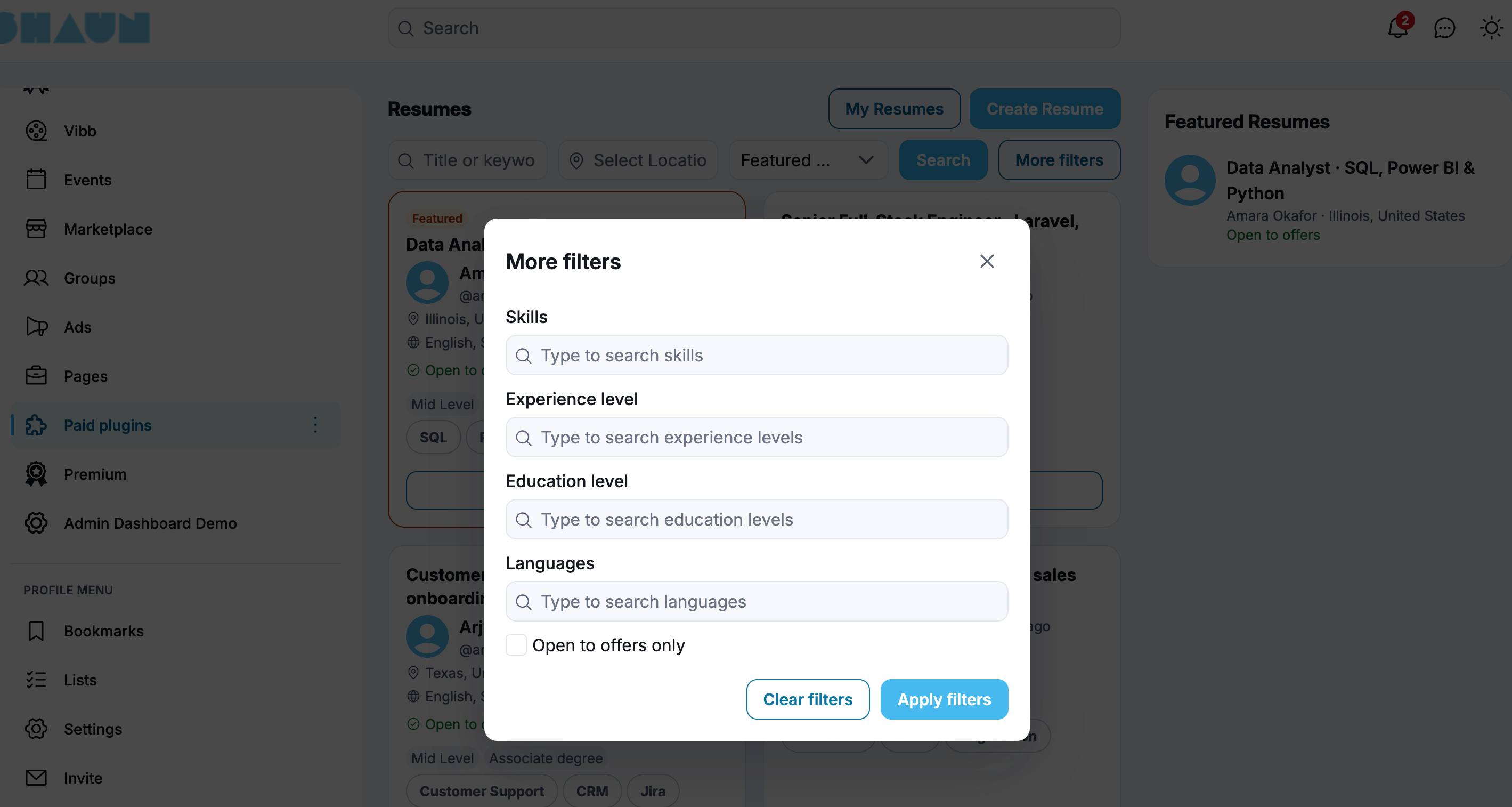
- Search resumes by skills.
- Filter by job title.
- Filter by location.
- Filter by experience.
- Filter by education.
- Filter by languages.
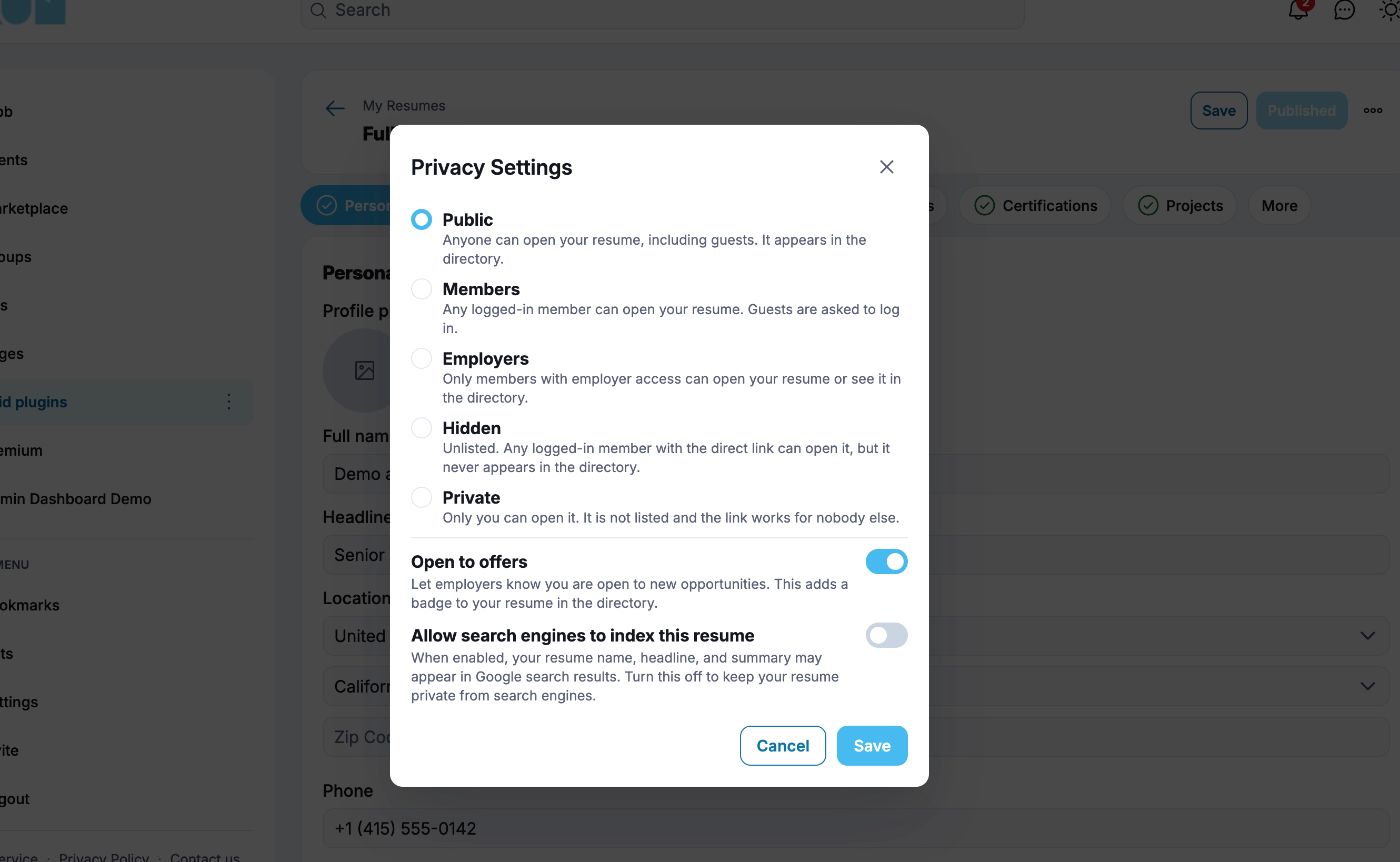
5. Privacy Controls
Members stay in control of who can see their resume.
- Choose a visibility level for each resume:
- Public
- Members
- Employers
- Hidden
- Private
- Administrators can set the default privacy level in AdminCP.
6. Featured Resumes & Promotion
Allow members to boost the visibility of their resume through paid promotion.
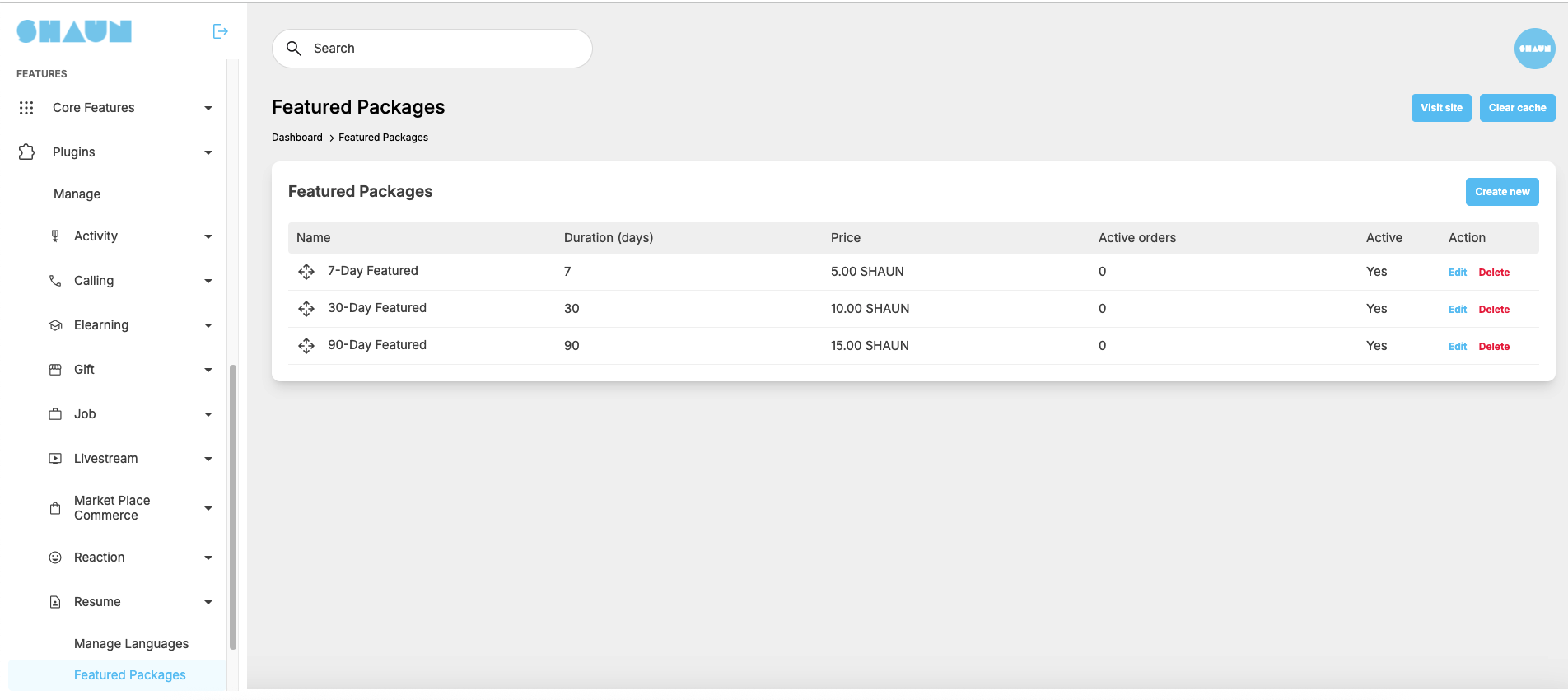
- Purchase Featured Resume packages.
- Showcase featured resumes on the homepage.
- Give featured resumes priority placement at the top of search results.
- Display a Featured badge on promoted resumes.
- Highlight featured resumes with a distinctive card style.
- Set promotion packages and pricing through AdminCP.
This provides an additional monetization opportunity for community owners while helping members stand out to employers.
7. Resume Analytics & Notifications
Keep members informed about how their resume is performing.
- Track resume activity with built-in resume analytics.
- Notify members when their resume is viewed.
- Notify members when a new matching job is available (when the Jobs Plugin is installed).
- Notify members when an employer invites them to apply (when the Jobs Plugin is installed).
8. Jobs Plugin Integration
The Resume Plugin works on its own and integrates seamlessly with the ShaunSocial Jobs Plugin.
When the ShaunSocial Jobs Plugin is installed, the Resume Plugin extends the recruitment workflow to support:
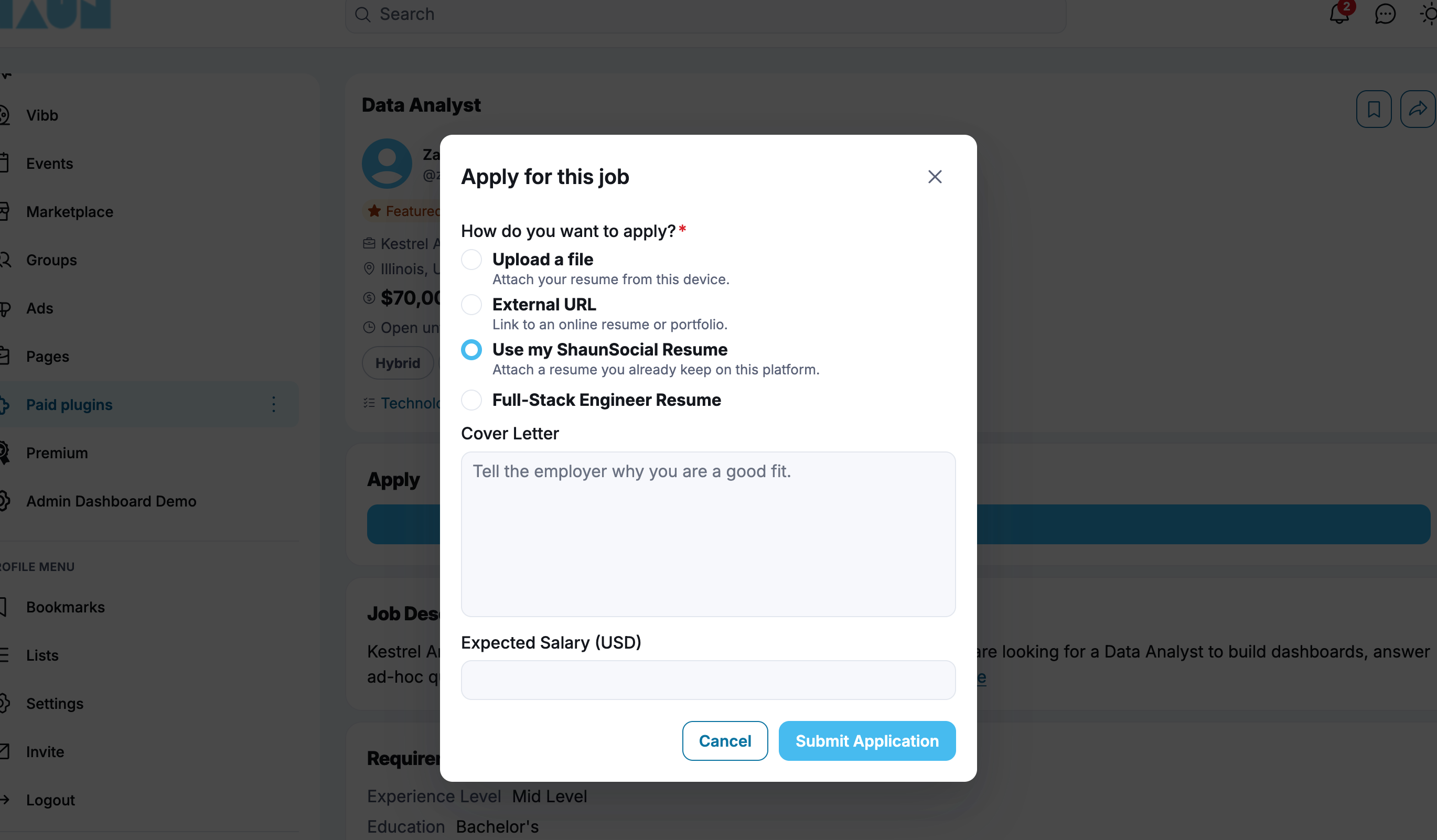
- Apply for jobs using a ShaunSocial resume.
- Recommended jobs for each member.
- A match score between each resume and job, calculated from:
- Skills
- Experience
- Education
- Location
- Job title
- Employer invitations to apply for specific positions.
- Application history for each member.
The Resume Plugin can also operate independently without requiring the Jobs Plugin.
AdminCP Management
Administrators can manage the resume system through the AdminCP.
- Enable or disable the AI Resume Builder and configure AI settings.
- Manage resume templates.
- Configure Featured Resume packages and pricing.
- Set default privacy levels.
- Configure resume permissions.
Compatibility
- Web: ShaunSocial 1.5.6 or later.
- Mobile Apps: Compatible with ShaunSocial App version 1.5.6
Who Is This Plugin For?
The Resume Plugin is ideal for:
- Professional networking communities.
- Job boards and employment websites.
- University and alumni communities.
- Industry-specific talent communities.
- Freelancer and creative portfolio networks.
- Recruitment and staffing communities.
- Communities looking to create additional revenue through featured resumes.
Showcase the Talent in Your Community
Turn your ShaunSocial platform into a place where members present their skills, get discovered, and land their next opportunity.
Install the Resume Plugin and give your members a professional resume in minutes!